Want to try a new product or replenish your favorites? Here is how you can swap your Subscription products out!
1. Click the person icon.
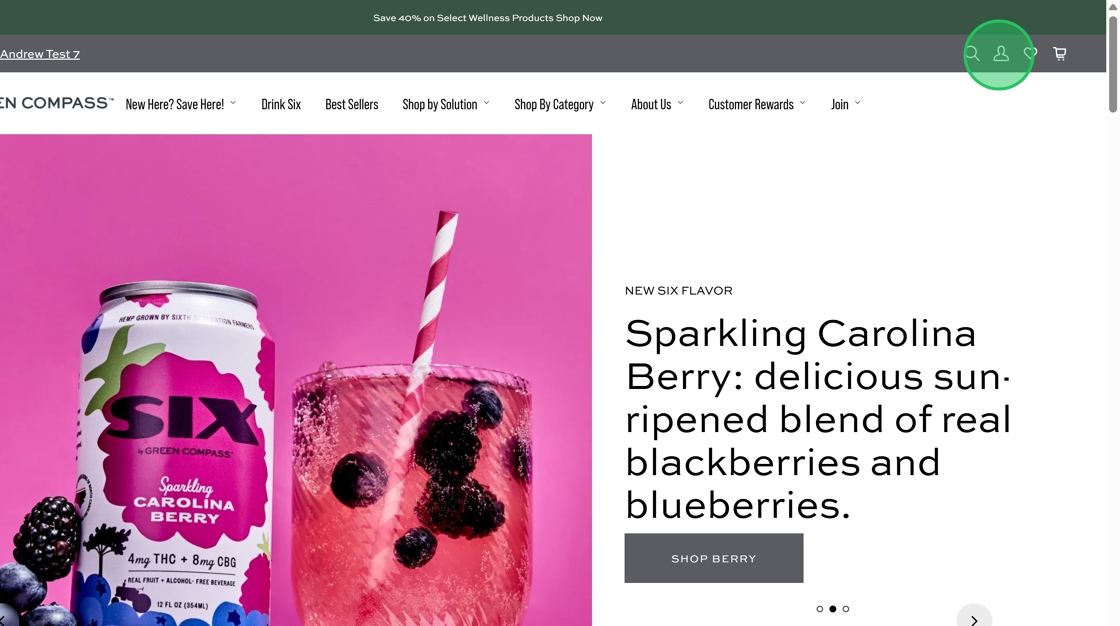
2. Click "Subscription Portal"

3. Click "Manage this subscription" under the product you would like to swap.

4. Click "Swap this for a different product"

5. Once you find your desired product, click "Swap."

6. Click "Swap product" and you're all set!

Comments
0 comments
Article is closed for comments.